AI Employee Scheduling: What to Hand Over and What to Keep
AI can set a week of shifts from one sentence and check coverage first. Where AI scheduling helps, where a manager should decide, and what to ask.
The short answer: AI helps most with the mechanical part of employee scheduling: entering a week of shifts, copying a pattern across a team, checking who is off, and answering "when am I working?". The judgement calls, such as who works the difficult shifts and what a fair rota looks like, should stay with the manager. A safe AI scheduling tool shows you the change before it makes it, never duplicates shifts, and asks before changing a schedule employees can already see.
"AI scheduling" covers two quite different things. Some tools generate a whole rota from a demand forecast. Others, like the assistant in BookYourPTO, take the rota you have in mind and do the typing for you, with checks along the way. Both are called AI scheduling; they solve different problems.
Two kinds of AI scheduling
Generating a rota from a forecast
Large retail and hospitality operations sometimes use tools that predict demand (footfall, orders, bookings) and generate shifts to match. That can be valuable when you have hundreds of staff, reliable historical data and a team to tune the model.
For a small or mid-size team, it is often more than the problem needs. The manager already knows the shape of the week. What takes time is putting it into the system.
Doing the scheduling work you describe
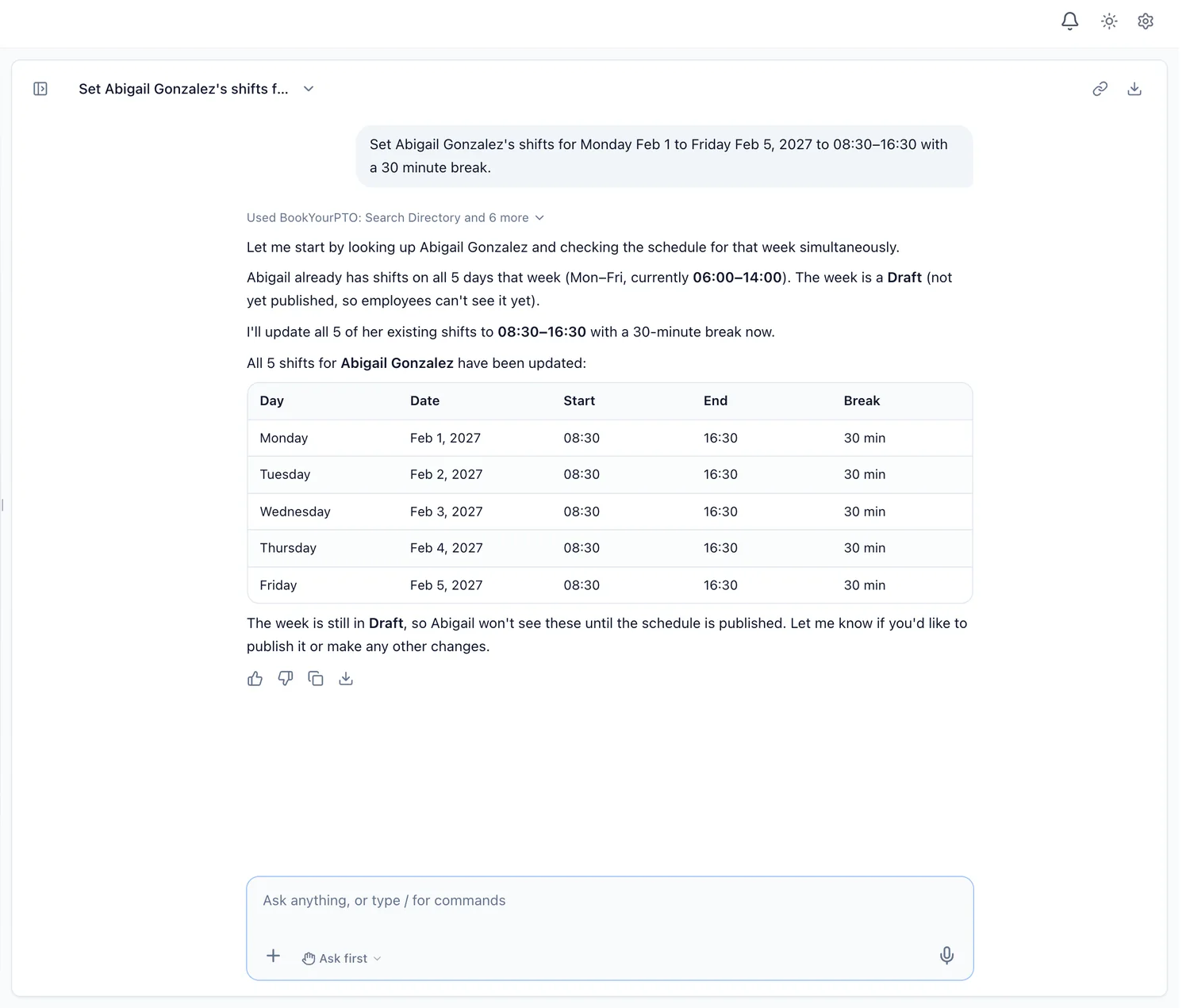
The second kind takes an instruction in plain words and carries it out: "Set Abigail Gonzalez's shifts next week to 08:30 to 16:30 with a 30-minute break." This is what BookYourPTO Intelligence does. It does not invent a rota from a forecast; it sets the shifts you describe, checks the week first, and tells you what it is about to change.
What it looks like in BookYourPTO
Setting a week of shifts
A manager can set shifts for one person or for the whole team in a single request. Before creating anything, the assistant looks at the week and tells you:
- whether the week is still a draft or already published;
- how many shifts are already there;
- whether some people already have a shift on those days.
It never creates duplicate shifts. If people already have shifts on those days, it asks whether to change them to the new times (in Auto mode, it updates them directly), and it creates the whole set in one go rather than one shift at a time.
Respecting a published week
A published week is one employees can already see. Changing it changes someone's plans. So in BookYourPTO, a change to a published week always shows an approval card that says exactly what will change, even in Auto mode, where most other changes run without asking.
Checking coverage
Before you set a week, ask "who's off on my team over the next two weeks?" The Team coverage skill lists absences and public holidays for the range, so you can see the gaps before you fill them. The schedule grid in BookYourPTO also shows approved leave alongside the shifts, so time off and the rota are in one place.
Answering "when am I working?"
Employees ask about their schedule more than anything else. "What does my schedule look like for the next two weeks?" gets a direct answer from the schedule, on a laptop or full screen in a phone's browser.
What a manager should keep
The parts of scheduling that need judgement should stay with a person:
- Fairness. Who gets the Saturday closes, the holiday weekends and the early starts is a question of fairness and team morale. It deserves a manager who knows the people.
- Individual circumstances. Childcare, study, a second job, a recent illness: these are often known to the manager and not written in any system.
- Labour rules. Rest periods, maximum hours and overtime rules vary by country, province and state, and by contract. Your scheduling tool can help you see the hours; the responsibility for compliance stays with the employer.
- Publishing. Making a rota visible is a commitment to your team. It should be a deliberate step.
There is also a regulatory reason for caution. The EU AI Act lists AI used "to allocate tasks based on individual behaviour or personal traits or characteristics" among its high-risk uses in employment (Annex III). An assistant that enters the shifts a manager chose is a very different thing from a system that decides who works based on their behaviour.
Safeguards to look for in any AI scheduling tool
- It acts with the manager's own permissions. In BookYourPTO, setting shifts is a manager's action; employees cannot set them through the assistant because they cannot set them on the screen.
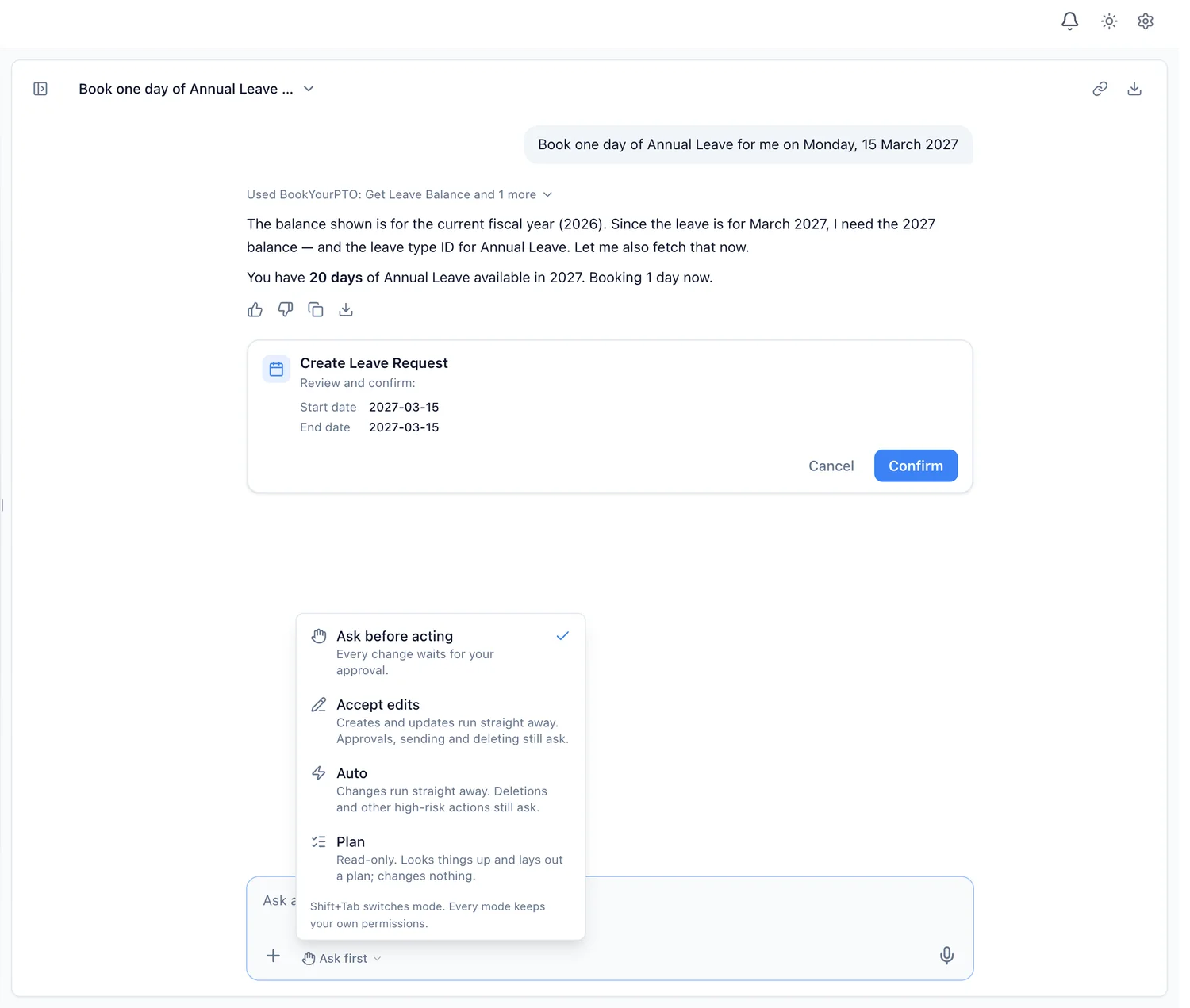
- It shows the change before it makes it. In the default mode, Ask first, every change arrives as a card you confirm.
- It does not duplicate. It should read the week first and change existing shifts rather than add a second copy.
- It treats published weeks differently. A change people can already see should always need a yes.
- It works from the same schedule as everyone else. No separate copy that drifts out of date.
Getting started
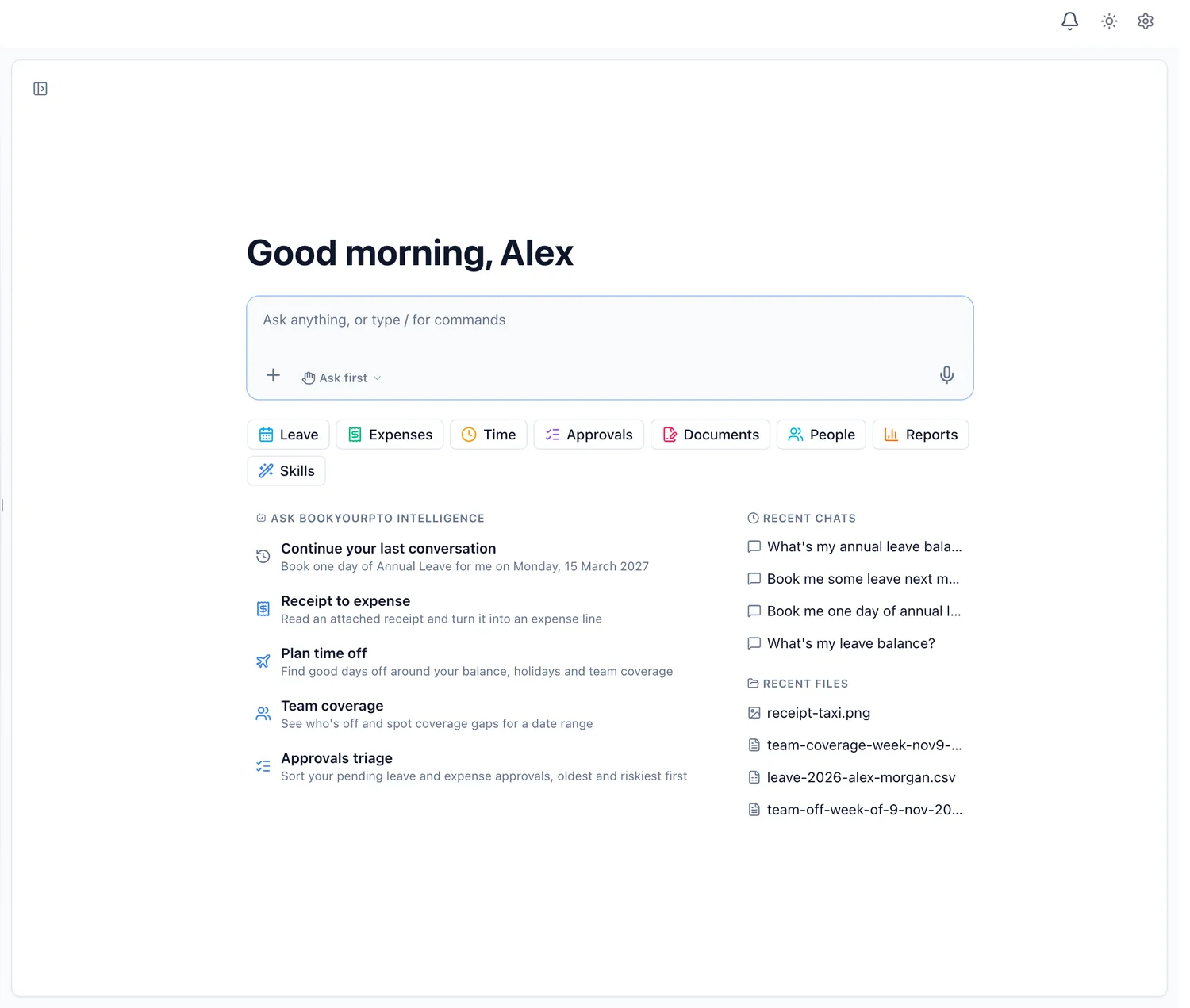
If your team already builds rotas in BookYourPTO's employee scheduling, the assistant works on the same schedules. Try it in Ask first mode with a single person's week, check the result on the grid, then let it set the next week for the team.
Questions, such as "what is my schedule?", are available on every plan, including Free. Setting shifts through the assistant is on Pro, Business and Enterprise.
For more on how AI fits across HR, see our guide to AI HR software, or read How to Use AI for Leave and PTO Management Without Losing Control, the other half of every rota.
Written by
AnHourTec Team