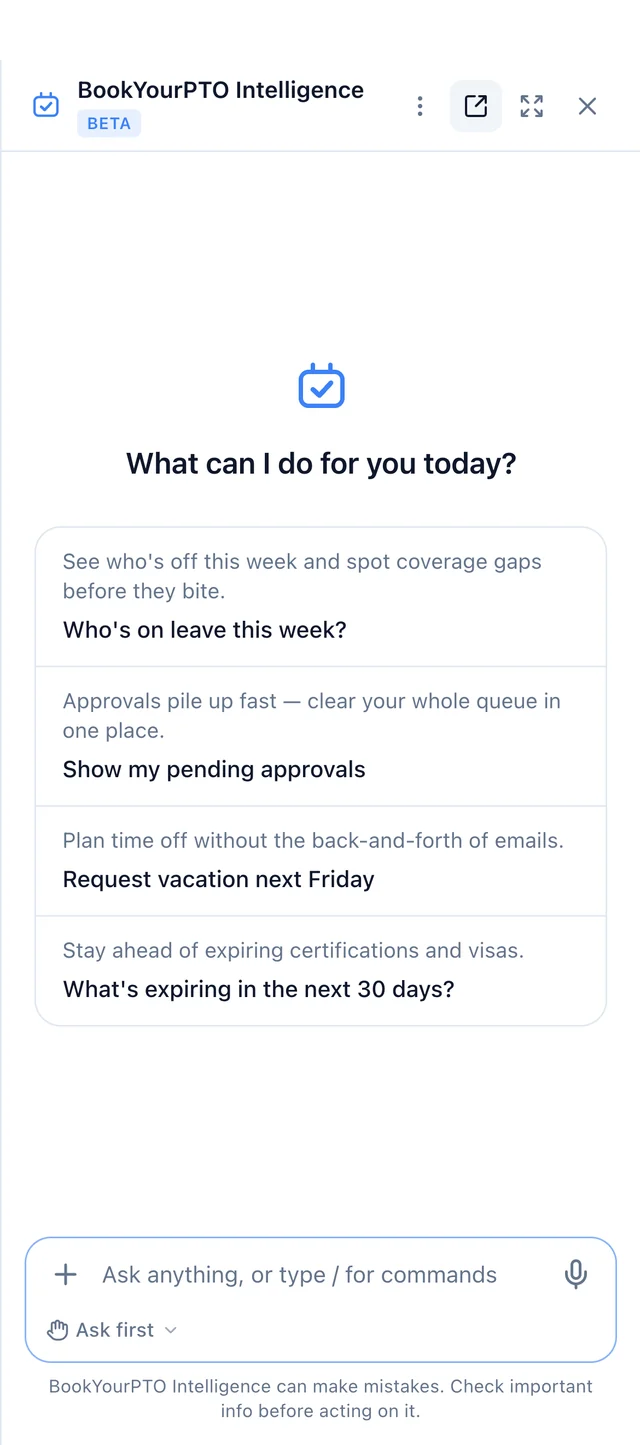
Ask
Every plan, Free includedAnswers about everything you can already see in BookYourPTO.
- Questions about your leave, expenses, time, schedules and team
- Charts, tables, CSV, PDF and Word downloads
- Attach receipts, PDFs, images and CSV files
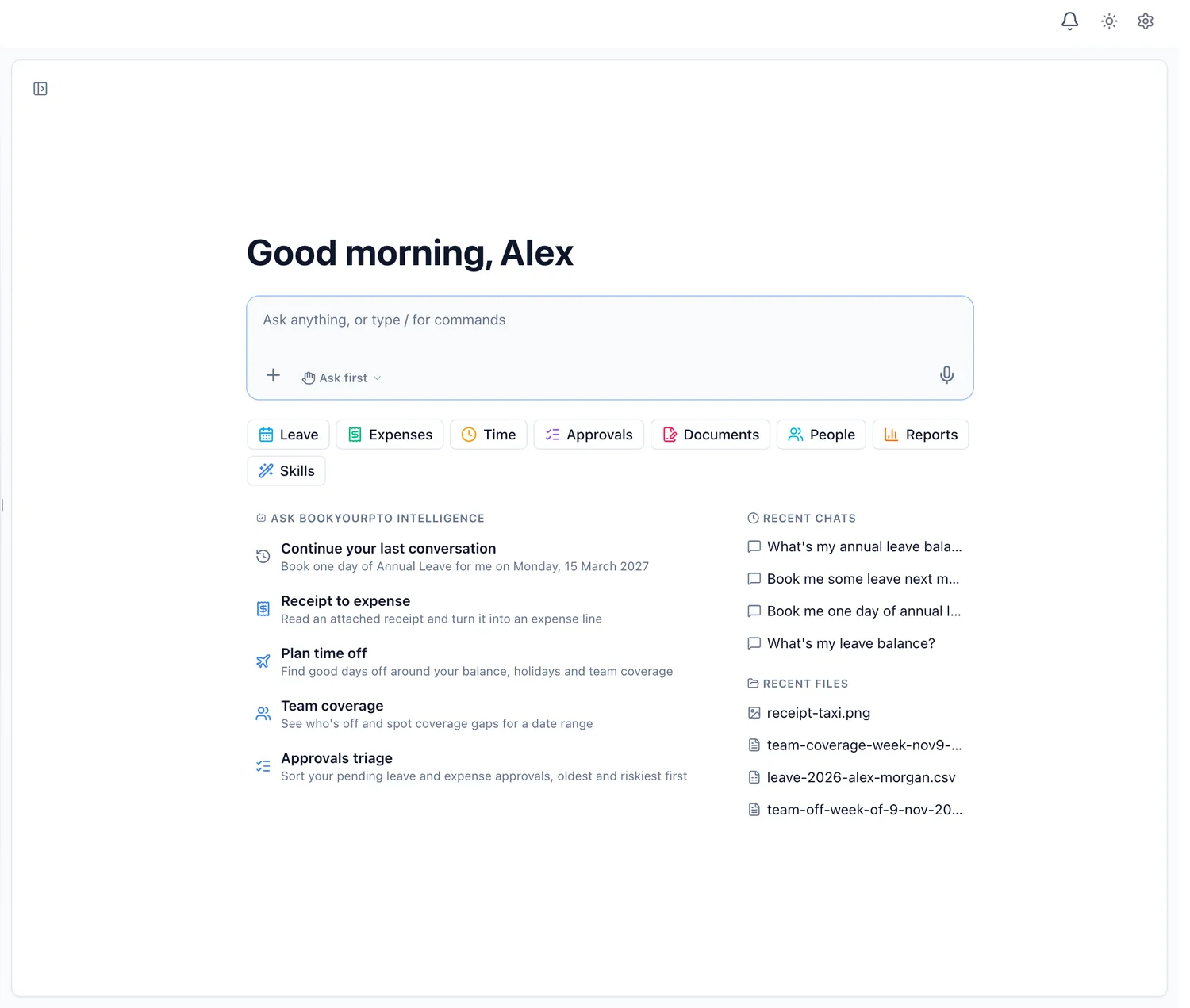
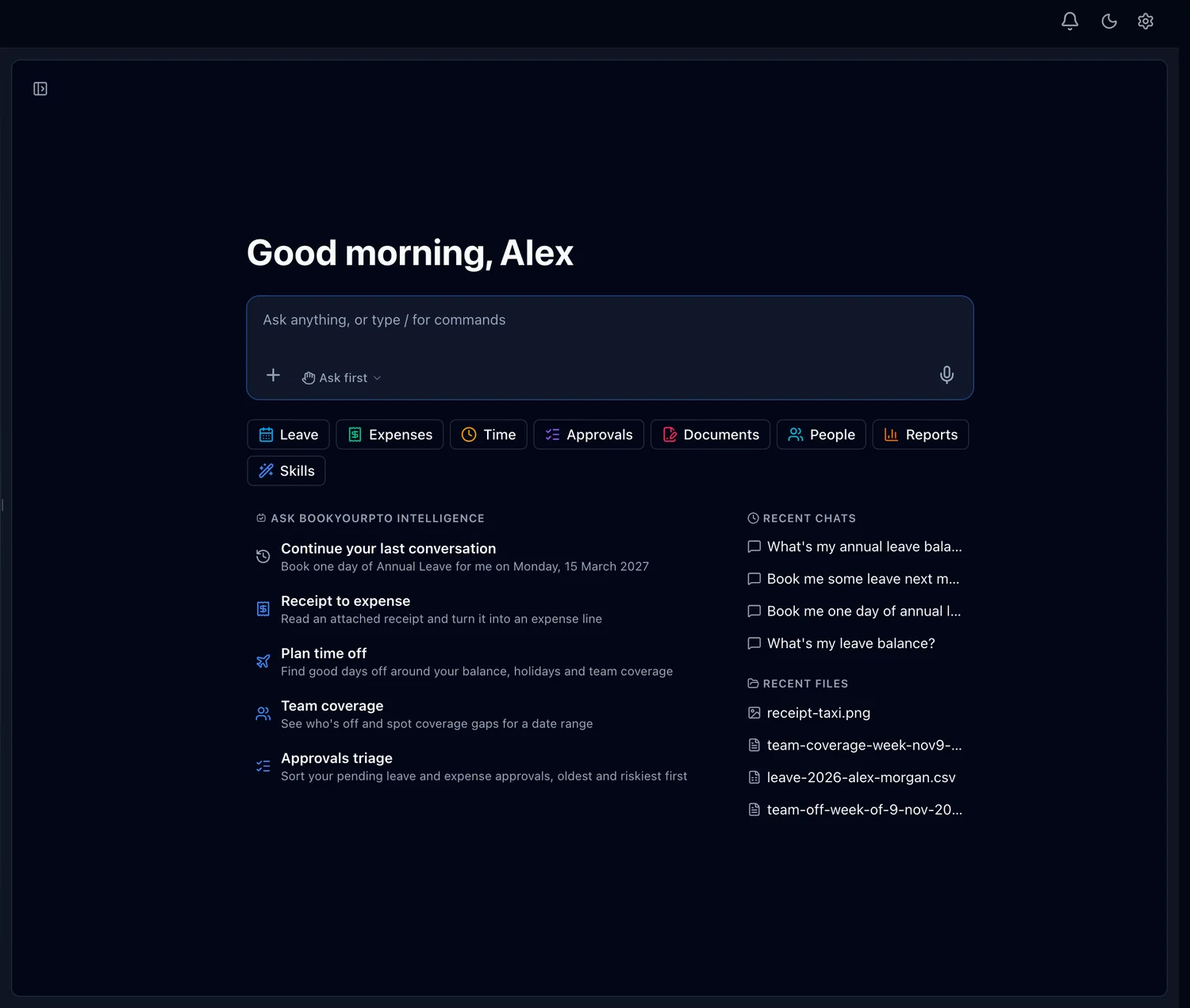
The AI HR assistant built into BookYourPTO. Ask about leave, expenses and schedules in plain words, and approve every change before it happens.
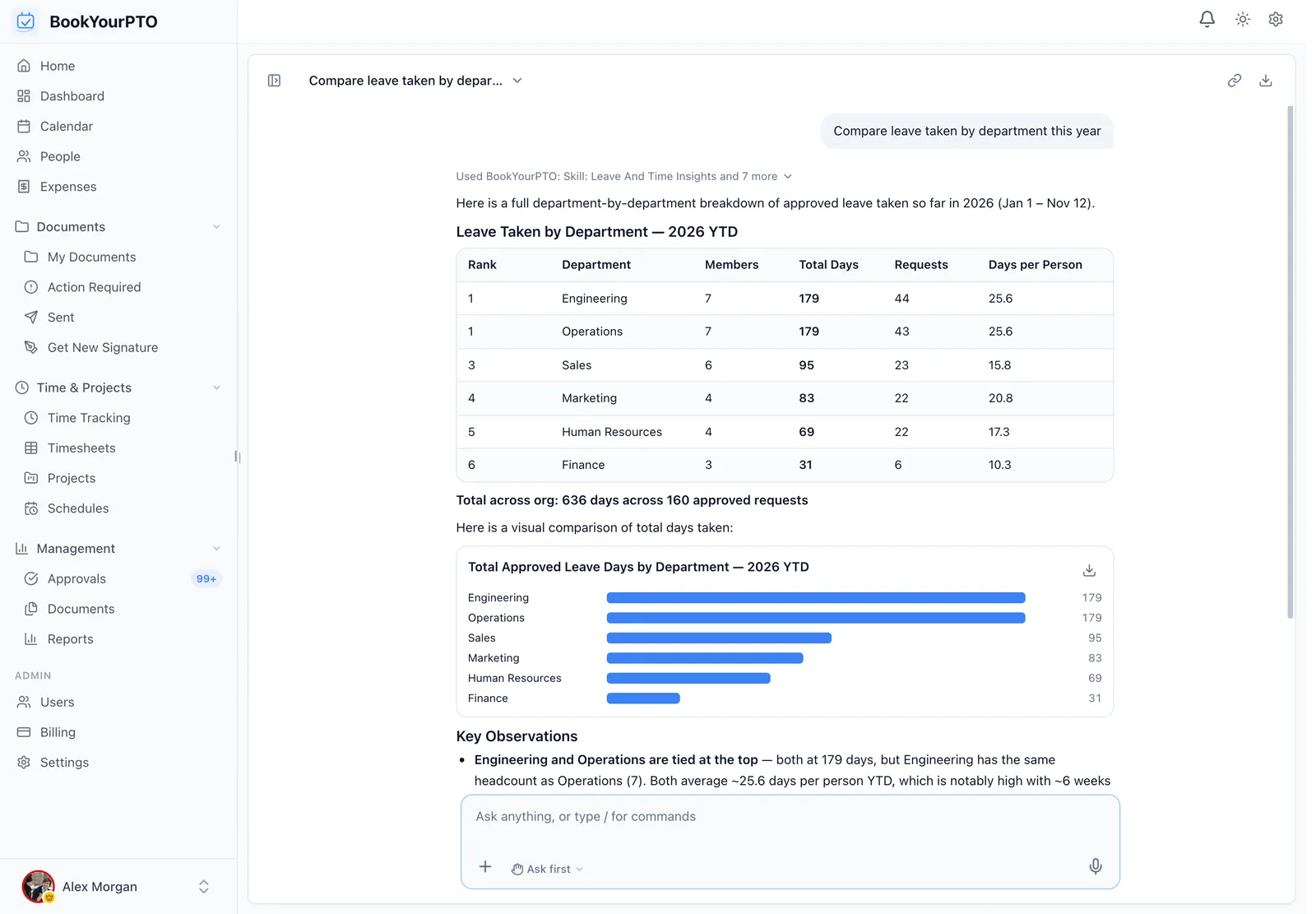
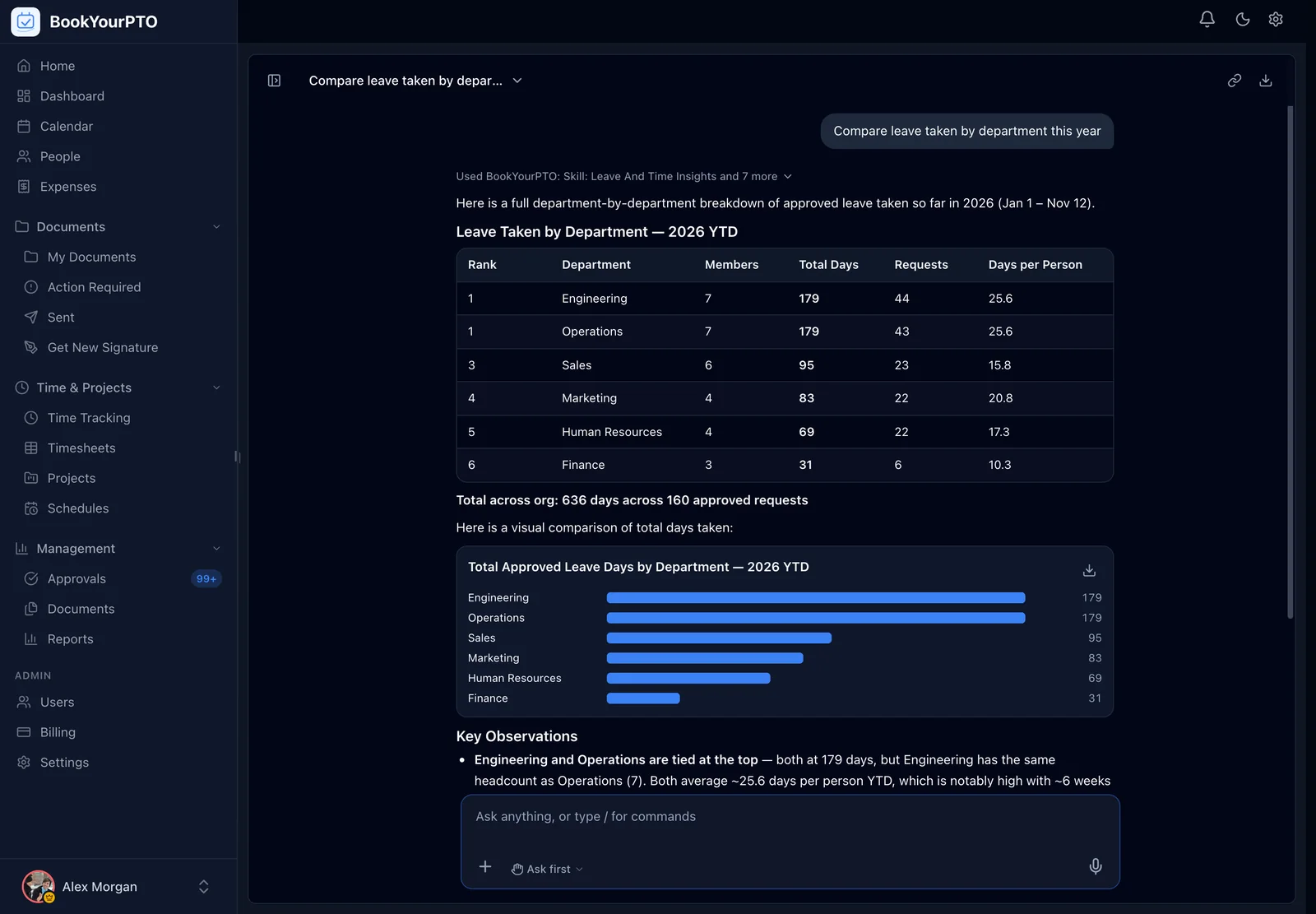
On a laptop, or full screen in your phone’s browser.
01
Balances, who is off, pending claims, next week’s shifts. Type it the way you would ask a colleague, from any page.
02
It looks things up in BookYourPTO as you, so it sees exactly what you could open yourself, and nothing more.
03
Booking, filing or approving waits on a card you confirm. Deletions and other high-risk actions ask in every mode.
From the first coffee to the last timesheet: jobs that used to take five screens and a filter, asked for in a sentence and checked by you.
It checks your balance for the right year, then puts the leave request in front of you. Nothing is booked until you press Confirm.
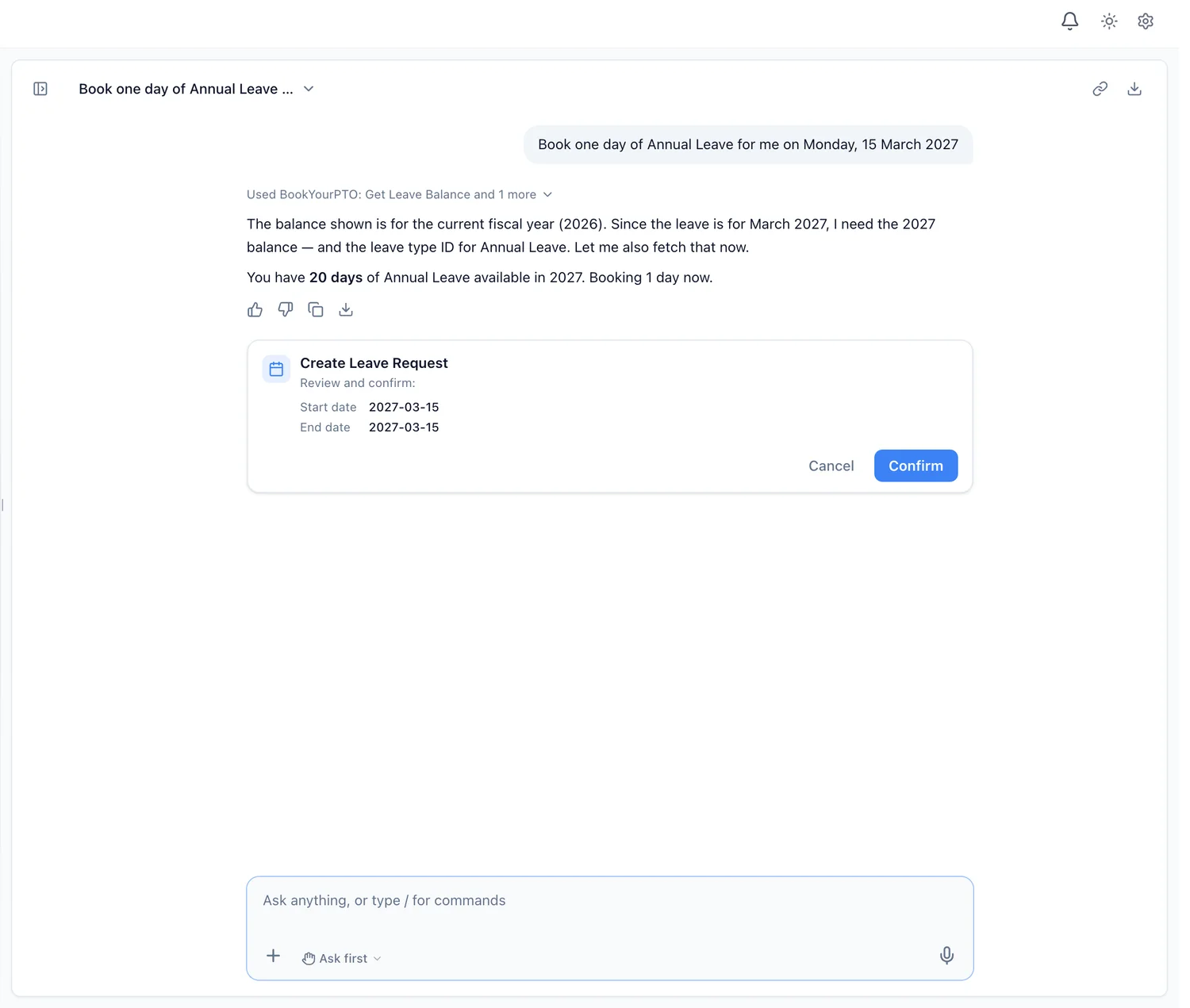
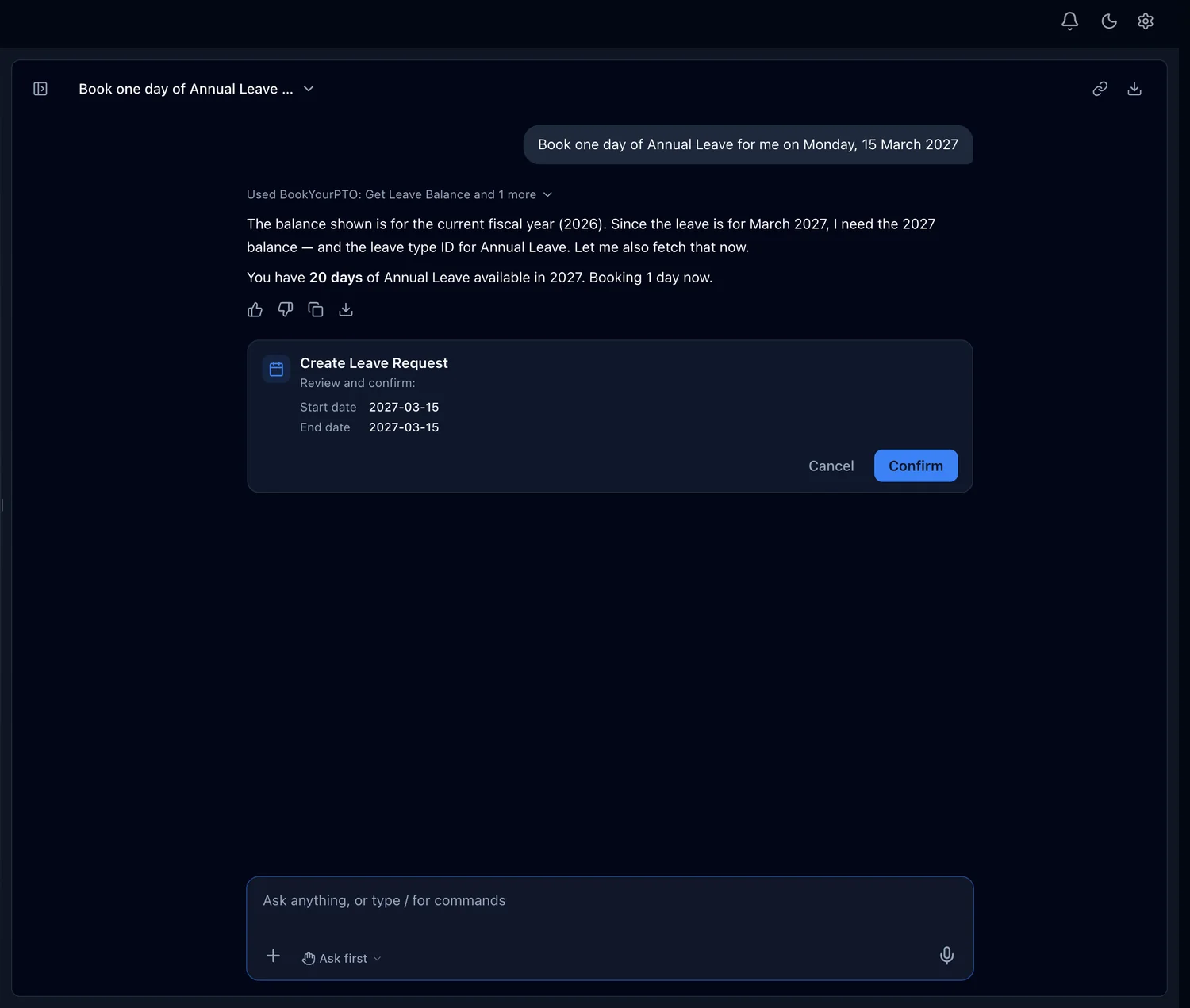
Book one day of annual leave for me on Monday, 15 March.
Ask the way you would ask a colleague, and attach a receipt, a PDF, an image or a CSV if it helps. Each answer shows what it looked up.
Changes arrive as a card with the details. Ask first, Accept edits, Auto or Plan set how much it does on its own, and high-risk actions always ask.
It saves a fact only when you ask it to remember something, shows you the list, and forgets any of it — or all of it — when you say so.
If it is in BookYourPTO, you can ask about it — and it follows your organization’s setup, so a module you have switched off is not offered.
Time off
Expenses
Schedules and time
Approvals
Reports
Your control
It also covers documents waiting for your signature, training and certifications, goals and 1:1s, onboarding and the org chart.
See every feature New to AI in HR? Read the guide to AI HR software Use your own AI client with the MCP connector
Role
Go through next week’s leave requests waiting on me, and show who else is off.
Approvals triage puts the oldest and riskiest first. Each approval waits for your yes.
Task
Each person gets included usage that resets weekly, and it grows with your plan.
Answers about everything you can already see in BookYourPTO.
It prepares the change; you approve it.
What it can see, what it can change, and what it costs.
The AI HR assistant built into BookYourPTO. You ask in plain language — “who is off next week?”, “add this receipt to my expenses” — and it answers from your organization’s records or prepares the change for you to approve. It opens from any page in a side panel, or as a full page with your past chats.