How to Use AI for Leave and PTO Management Without Losing Control
What AI can do for leave and PTO management today: balances, coverage checks and booking time off, with your leave policy and approvals in charge.
The short answer: AI is useful for leave and PTO management when it works from your real leave records and your real policy. It can answer balance questions, show who is off, plan time off around public holidays and team coverage, prepare leave requests and help managers check coverage before approving. It should not change your policy or approve leave on its own: the request should go through the same rules as the form, and the approval should stay with a person.
Leave is one of the most frequent things people do in an HR system, and one of the most frequent things they ask HR about. That makes it a natural place to start with AI, and also a place where a careless tool can cause real problems: a wrong balance, a double-booked team, a request that skipped its approver.
The questions that fill an HR inbox
Most leave questions are lookups:
- "How much vacation do I have left this year?"
- "Is Friday a public holiday here?"
- "Who on my team is off next week?"
- "Did my request for March get approved?"
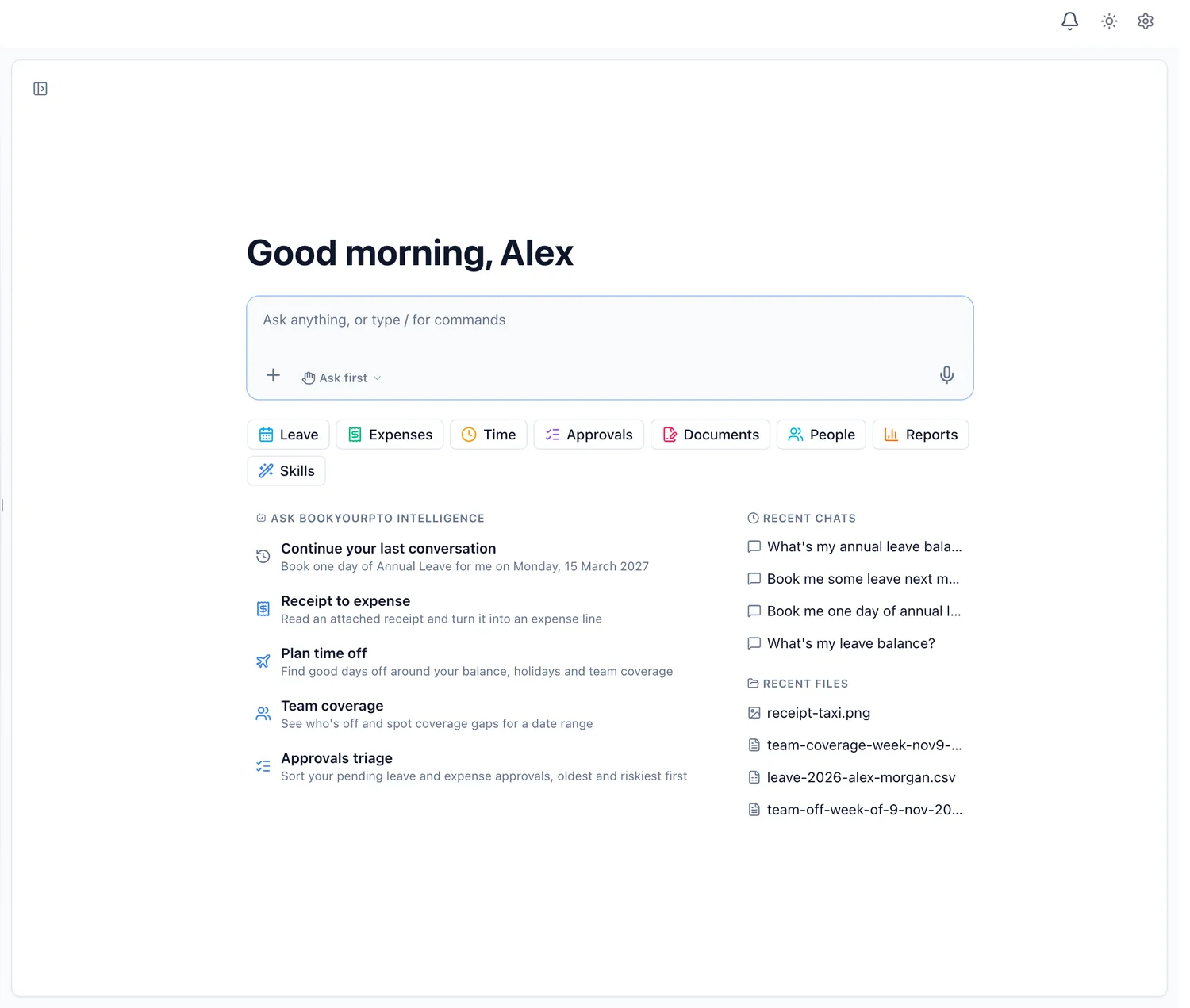
Each one has a definite answer in the leave system. The friction is getting to it: the right screen, the right year, the right filter. An AI assistant connected to the system removes that friction. In BookYourPTO Intelligence, "What's my leave balance, and what do I have coming up?" returns the balance and the upcoming leave in one reply, and "Who's off this week?" returns a table of who is away, their leave type and dates, with any public holidays.
These answers are only as good as the source. The assistant should read the same records the calendar does, rather than a summary that was copied somewhere else and went stale.
Planning time off
Choosing dates is harder than it looks. A good week off takes account of your balance, the public holidays in your region, and who else on the team is already away.
BookYourPTO's Plan time off skill does exactly that. Ask "help me plan a week off next month" and it:
- checks your balance;
- looks up public holidays for the period and points out bridges, where a holiday next to a weekend stretches the time off;
- checks who else is off on those dates and flags overlaps on your team;
- suggests dates and, if you want, prepares the leave request.
The request then waits for you to confirm it.
Booking leave in a sentence
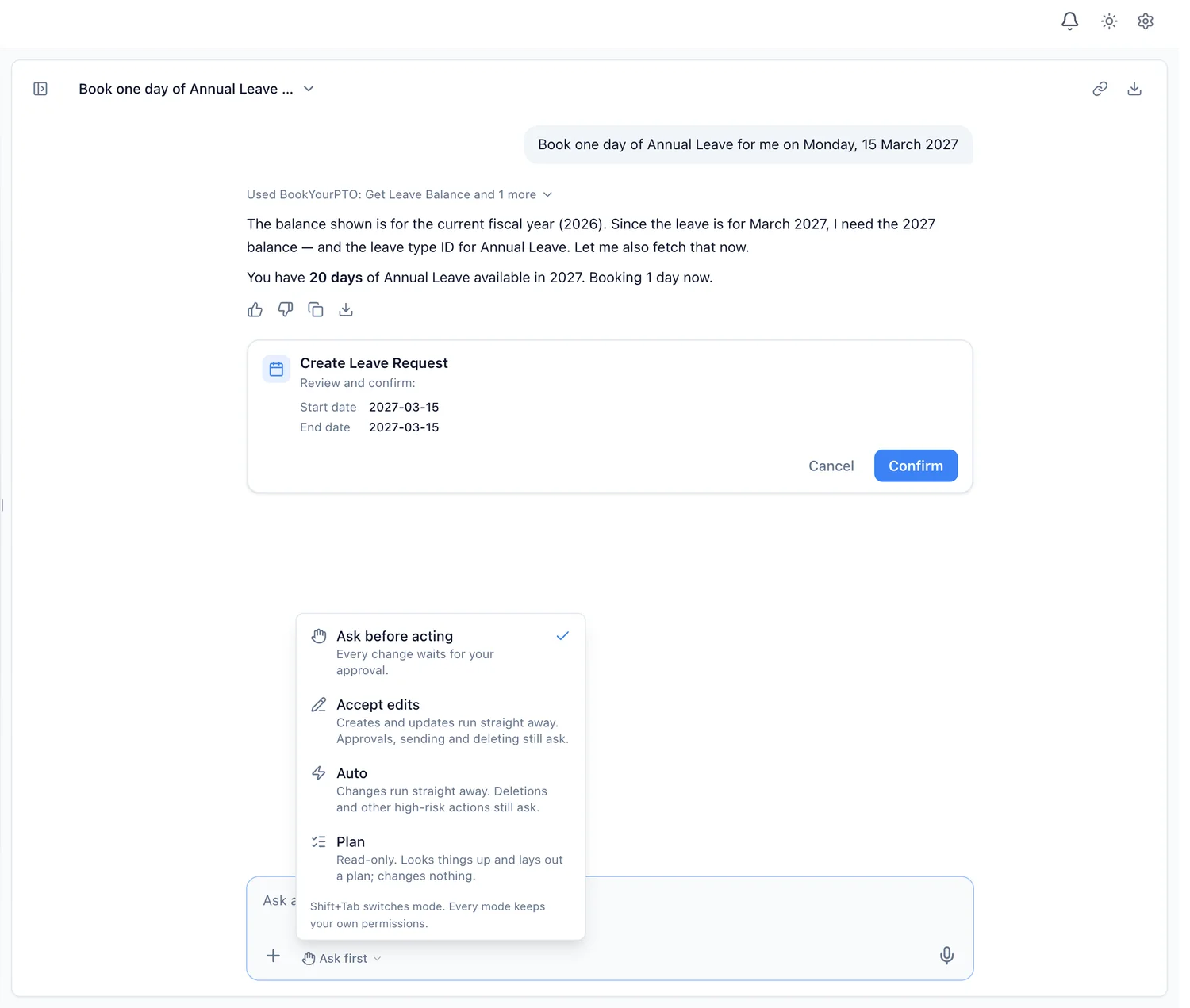
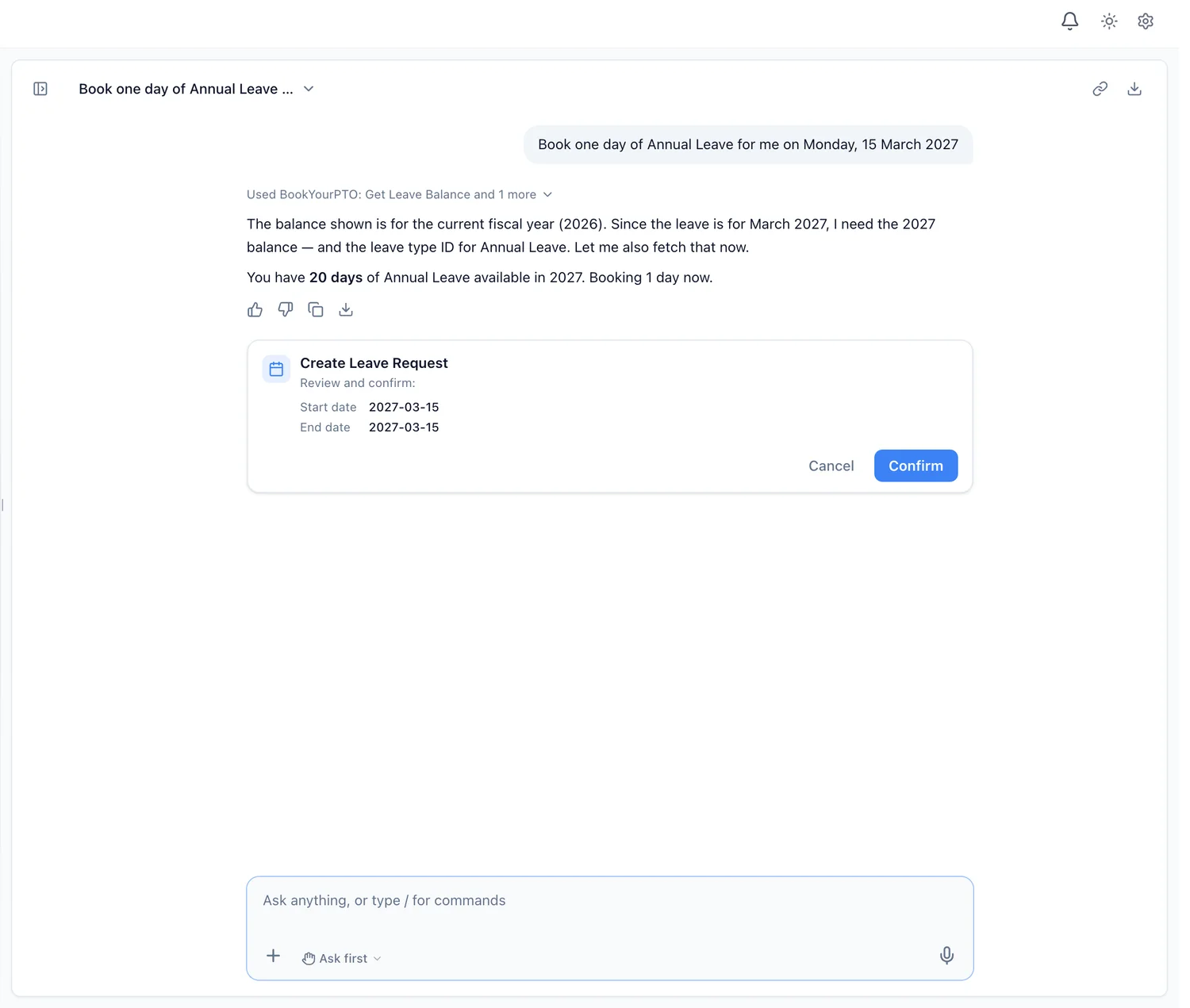
"Book one day of annual leave for me on Monday, 15 March" is the kind of request an AI assistant handles well. Behind it, the assistant checks your balance for the right year, picks the leave type, and prepares the request.
Two things keep this safe.
The request goes through the same rules as the form. The assistant does not have its own copy of your leave policy. It submits through the same checks the leave form uses, so notice periods, balances, locked dates and your approval chain all apply. If the form would refuse the request, so does the assistant.
You see it before it happens. In BookYourPTO's default mode, the request appears as a card with the dates and the leave type, and nothing is booked until you press Confirm. Once submitted, it goes to your approver exactly as if you had used the form.
Cancelling works the same way. "I want to cancel one of my leave requests" lets you withdraw a pending request, or ask to cancel one that has already been approved, which goes to your manager to decide.
For managers: coverage before you approve
The hardest part of approving leave is not the click; it is knowing whether the team can cope. Before approving, a manager wants to know who else is off on those days.
In BookYourPTO, a manager can ask:
- "Go through my pending approvals." The Approvals triage skill lists pending leave and expense requests, oldest and riskiest first, and flags overlapping time off. It states the facts and leaves the decision to you.
- "For my pending leave requests, who else is off on the same days?"
- "Who's off on my team over the next two weeks?" The Team coverage skill shows absences and public holidays for the range so you can spot gaps.
- "Are there any leave cancellation requests waiting for me?"
Each approval still waits for the manager's yes. The assistant is there to put the information in front of them, not to approve on their behalf.
Reports in plain words
Leave reporting usually means an export and a spreadsheet. With an assistant, a manager or administrator can ask "chart leave taken this quarter by department" or "chart the people with the most leave this year, and give me a CSV". BookYourPTO draws the table and chart from the records the person can see, and the figures can be downloaded as a CSV or a PDF.
That last part matters: a department head sees their own department's figures, not the whole company's, because the assistant uses their permissions.
Privacy in leave data
Leave records can be sensitive. A sick day, a medical appointment or a family emergency is personal information. Three rules keep an AI assistant from becoming a leak:
- Same visibility as the calendar. What a person can see through the assistant follows your organization's privacy settings. If department viewing is restricted, a non-administrator sees only their own department. Private leave types show as "Private" to people who may not see them.
- No back door for managers. A manager cannot ask the assistant for anything they could not open on screen.
- No training on your data. BookYourPTO does not use assistant conversations to train AI models.
What AI should not do with leave
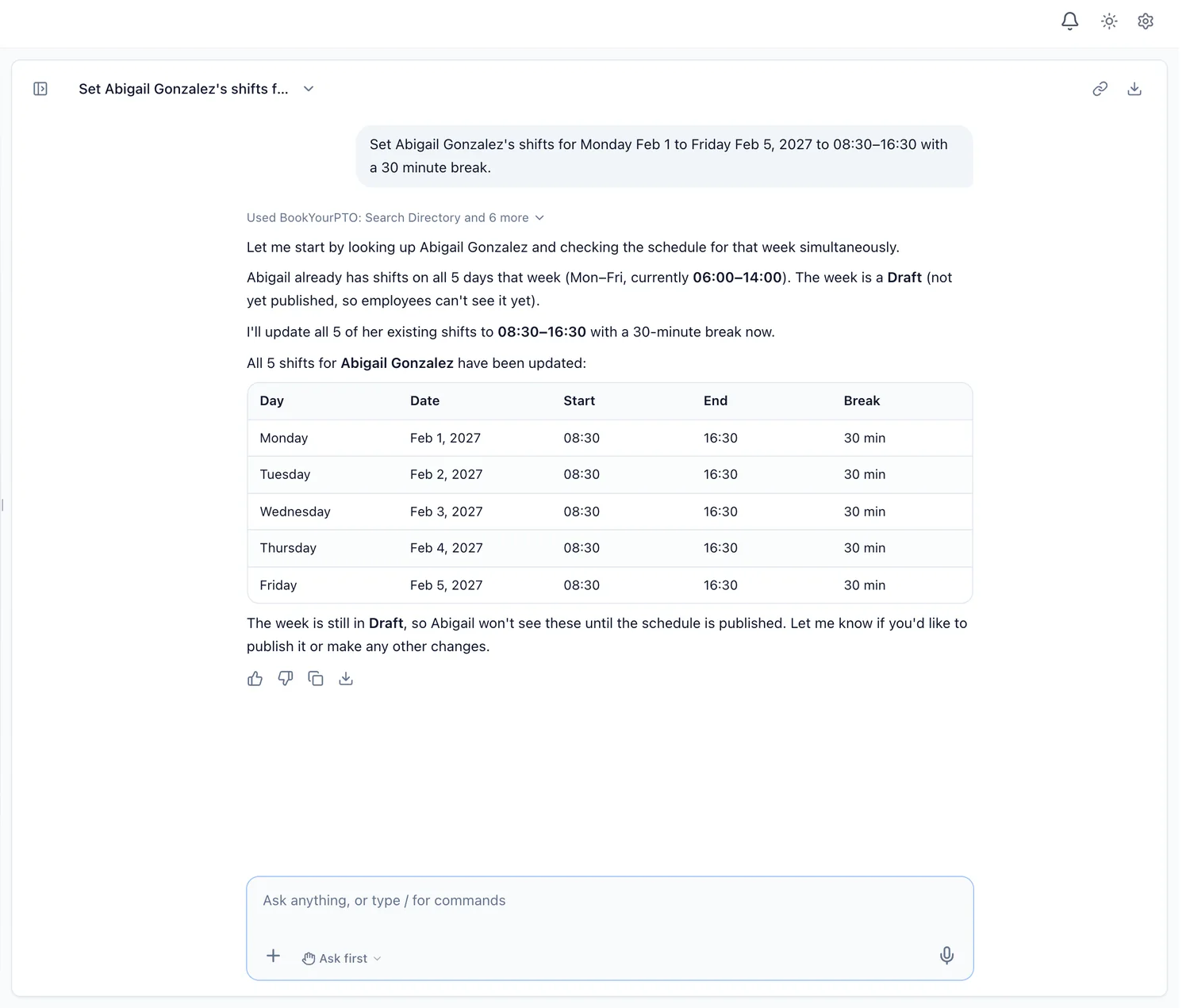
- Change the policy. Allowances, accrual, carry-over and notice rules are decisions for the organization. They belong in settings, set by a person.
- Approve on its own. An approval is a decision about someone's time and the team's cover.
- Guess. If a balance or a date is not in the records, the assistant should say so, not estimate.
Getting started
If you already use BookYourPTO for leave management, the assistant works from the same records, policies and approval chains you have set up. Questions are available on every plan, including Free; booking, cancelling and approving through the assistant are on Pro, Business and Enterprise.
If you are still tracking leave in a spreadsheet, AI is not the first fix. A single source of truth is. Our PTO tracking best practices is a good place to start, and our guide to AI HR software covers the rest of what AI can do across HR.
Written by
AnHourTec Team