Agentic HR Explained: When an AI Assistant Can Act in Your HR System
Agentic HR means AI that carries out HR tasks, not just answers. What it looks like, the controls it needs, and how MCP lets your own AI client do it.
The short answer: agentic HR is HR software in which an AI assistant carries out tasks, not just answers questions. You state a goal, such as "book next Friday off" or "set the team's shifts for next week", and the assistant looks up what it needs, works out the steps and makes the changes in the HR system. Done safely, it acts only with the permissions of the person asking, shows each change before it happens, and always asks before anything that cannot be undone.
"Agentic" has become one of the most used words in HR technology, and one of the least defined. This guide explains what it means in practice, what separates a useful agent from a risky one, and how to try it without handing over control.
From answers to actions
It helps to think of three steps.
- Search. You ask, it finds. "What is our bereavement leave policy?"
- Assist. You ask, it finds and explains using your own data. "How much leave do I have left this year?"
- Act. You ask, it does. "Book one day of annual leave for me on Monday."
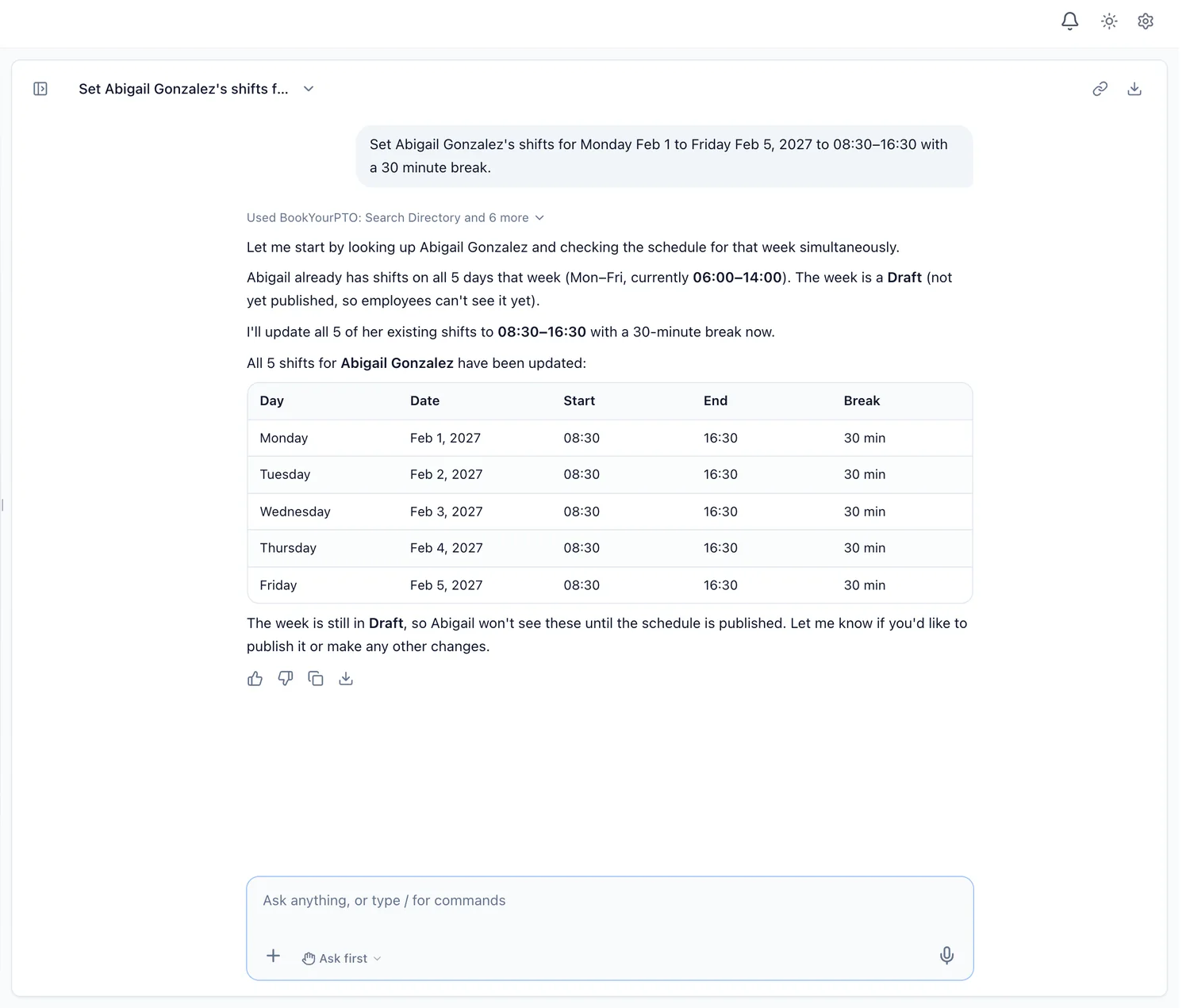
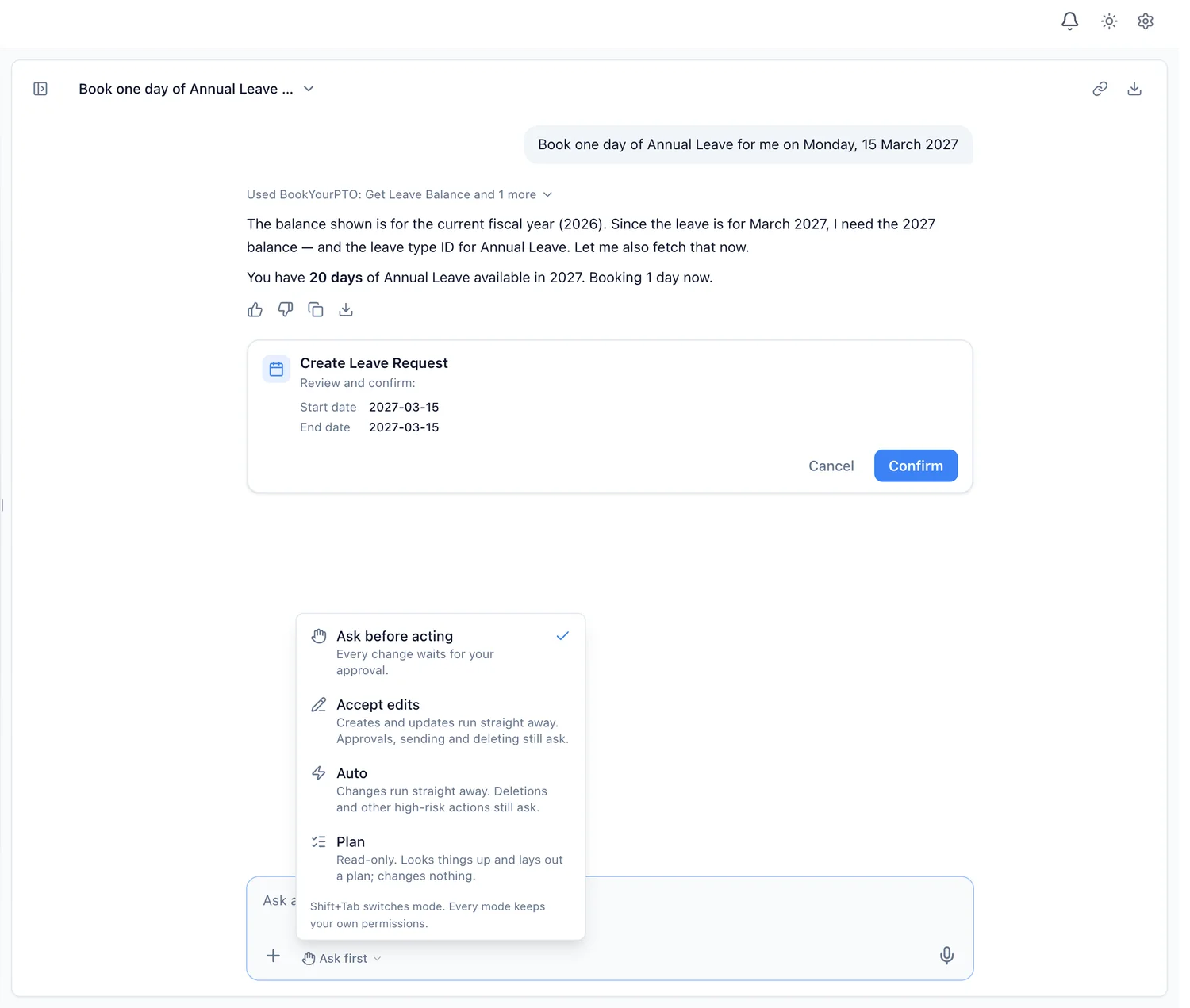
The third step is what people mean by agentic. Behind a single request, the assistant may take several steps: look up your balance for the right year, check the leave type, prepare the request, and present it for you to confirm. A manager's request to set a team's shifts might involve reading the week, checking whether it is already published and creating the shifts in one go.
What agentic HR looks like day to day
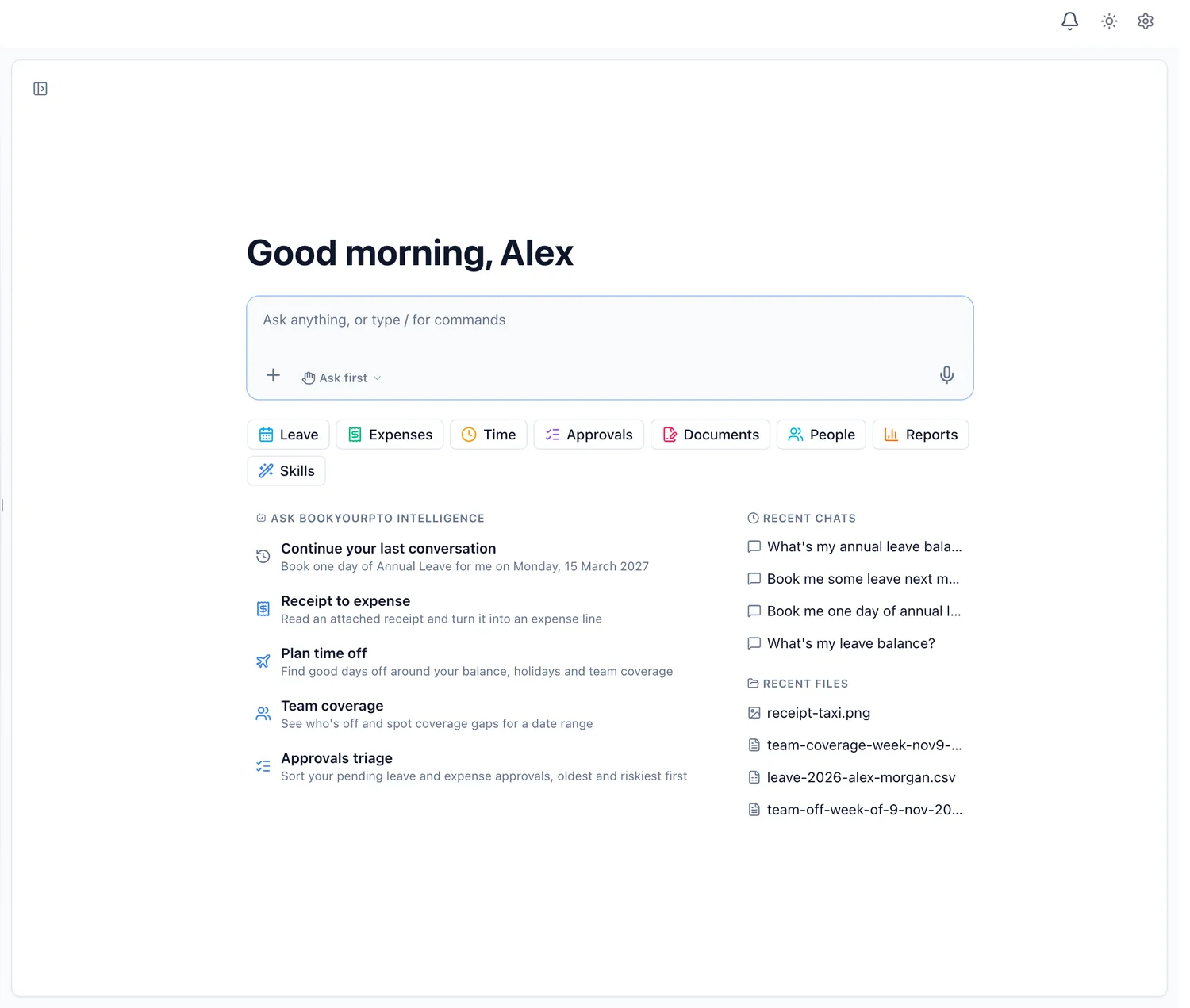
Here is a working day with BookYourPTO Intelligence, the assistant built into BookYourPTO.
An employee asks it to plan a week off next month. It weighs their balance, public holidays and who else on the team is away, suggests dates, and prepares the request. In the afternoon they attach a taxi receipt and ask it to add the expense; it files a draft with the receipt attached and the vendor, date, tax and total filled in.
A manager starts the day with "go through my pending approvals". The Approvals triage skill lists leave and expense requests, oldest and riskiest first, and points out overlapping time off and missing receipts. It states the facts; the manager decides, and each approval waits for their yes. Later they set one person's shifts for next week in one sentence.
An administrator asks for leave taken by department this year and gets a table and a chart drawn from the records, ready to download as a CSV or a PDF.
None of these is dramatic. That is the point: agentic HR is valuable because it removes the five screens and the filter between a person and a routine task.
The controls an HR agent needs
An agent that can change HR records is only as safe as the limits around it. These are the ones that matter, and how BookYourPTO handles each.
Identity: it acts as you, never as an administrator
The assistant has no access of its own. Every look-up and every change runs with the signed-in person's own permissions, through the same checks the app applies on its pages. If you cannot open a record on screen, you cannot get it through the assistant. This is the difference between an agent you can give to every employee and one you can only give to administrators.
Approval: you choose how much it does on its own
BookYourPTO has four modes:
- Ask first (the default): nothing changes without a card you confirm.
- Accept edits: creates and updates run straight away; approvals, sending and deleting still ask.
- Auto: every change runs except high-risk ones.
- Plan: read-only. It can look things up and lay out a plan, but it is not offered any action.
A change that ran without a card is labelled "Made without asking" in the chat, so it is always clear what happened. In the modes that run changes without a card, it also stops after ten such changes in one request and asks before the next.
Hard limits: some actions always ask
Deletions, offboarding, bulk changes and other high-risk actions ask for approval in every mode, including Auto. So does changing a schedule week employees can already see.
Rules: the app's rules still apply
Because the assistant goes through the same checks as the app's forms, your leave rules, approval chains and module settings all apply. If your organization has switched off time tracking or expenses, the assistant stops offering them too, the same way the sidebar does.
Scope: it does HR in BookYourPTO, and nothing else
It refuses questions about anything outside HR in BookYourPTO, and treats text in records, files and tool results as information, never as instructions. Requests that look like misuse, such as asking for system secrets or another organization's data, are refused and recorded for administrators.
Skills: playbooks, not extra powers
For jobs people repeat, the assistant uses skills, which are step-by-step playbooks such as Plan time off, Receipt to expense, Timesheet check, Team coverage and Approvals triage. A skill tells the assistant how to do a job well. It never adds a permission.
Bring your own AI client: agentic HR over MCP
Not everyone wants a new chat window. Many people already work in an AI assistant on their desktop or in their code editor. The Model Context Protocol (MCP) is an open standard that lets those AI clients connect to other tools.
BookYourPTO has an MCP connector. Once connected, an MCP-compatible AI client can check balances, request and approve leave, log time, file expenses and more, through the same API the app uses. You sign in through your browser, so your password never reaches the AI client, and the client acts with your own permissions, exactly like the built-in assistant. We walk through setting it up in Connecting BookYourPTO to AI Assistants with MCP.
The two approaches suit different people. The built-in assistant needs no setup, offers approval cards and modes in the app, and is available to everyone you allow. MCP suits people who already live in an AI client and want HR to be one of the things it can do.
What agentic HR should not do
Agents are good at routine, checkable work. They should not:
- make decisions about hiring, promotion, discipline or termination;
- act without a person who is accountable for the result;
- see more than the person asking could see;
- take actions that cannot be undone without an explicit yes.
Regulators draw similar lines. The EU AI Act treats AI used to make decisions about promotion, termination or task allocation, or to monitor and evaluate workers, as high-risk (Annex III). An assistant that books the leave you asked for is a very different thing from one that decides who gets it.
How to start
- Start in Ask first. Let it prepare changes and approve each one. You learn what it does well.
- Use Plan for anything new. Ask it to lay out the steps before it takes any.
- Relax only where it has earned it. Accept edits suits people who mostly create their own records, such as leave requests and expense drafts.
- Decide who has it. Administrators and executives can switch the assistant off for a department or for individual people in Settings > Intelligence.
Questions are available on every BookYourPTO plan, including Free; actions are on Pro, Business and Enterprise. For the bigger picture, read our guide to AI HR software or the comparison of an HR chatbot and an AI HR assistant.
Written by
AnHourTec Team