Probation Period Reviews: A Practical Checklist for Managers
The end of a probation period is one of the few people decisions with a fixed deadline. How to track it, who should know it is coming, when to extend, and how to keep the record straight — without turning it into paperwork.

The deadline that sneaks up
Most people decisions can wait a week. The end of a probation period usually cannot. It falls on a specific date, it often has contractual weight, and if it passes without a conversation, the decision tends to make itself — the person is simply confirmed, ready or not.
That is how probation reviews go wrong in small companies: not through bad judgment, but through a date nobody noticed until it had gone. This checklist covers the practical side — tracking the date, telling the right people, extending well, and keeping a clean record.
A note before we start: probation rules differ by country, province and state, and by employment contract. Nothing here is legal advice. Check what your contracts and local employment law say about notice, extensions and what a probation period permits.
1. Record the period, not just the start date
A probation review date is calculated, and calculations need inputs:
- The start date — the employee's first day of employment.
- The length of the period — commonly expressed in months, and sometimes different by role or seniority.
- Any extension — a later date that replaces the original if the period is extended.
Store all three on the employee's own record. A review date written only in a calendar invite, or in a manager's notes, is lost the moment that manager changes jobs.
2. Decide who should know it is coming
A probation review is personal. It should be visible to the people who have a reason to act on it, and to nobody else:
- The employee themselves. Nobody should discover their own review date from someone else.
- Their manager. They hold the conversation.
- Their department head. They are accountable for the team.
- Administrators and executives. They maintain people records and may need to act on the outcome.
Colleagues do not need to see it. A team calendar that shows everyone's upcoming probation reviews tells a team who is still "on trial", which helps nobody. If your system shows probation milestones on a shared calendar or a home page, check that they are limited to this list.
One edge case to watch: a rule like "department heads see probation for their department" should never match a department head who has no department assigned against employees who also have none. Two empty values are not the same department.
3. Give the manager enough lead time
The review itself is a short conversation; the preparation is not. A useful rhythm:
- About two weeks before — a reminder to look back over the period: goals, feedback from colleagues, any one-to-one notes.
- A few days before — a reminder to book the conversation if it is not already in the calendar.
The reminder should go to the manager directly. An HR inbox that has to forward it adds a step that eventually gets missed.
4. Extend deliberately, not by default
Sometimes the right answer is "not yet" — the role changed, the manager changed, or there has not been enough time to judge fairly. An extension can be the fairest outcome, provided it is a decision rather than a drift:
- Agree the new date and record it as an extension, so the original date is not quietly forgotten.
- Say what needs to be different by the new date, specifically enough that both sides can tell whether it happened.
- Check what your contracts allow. Some limit how long a probation period can be extended, or require notice.
5. Hold the conversation, then write it down
Keep the review itself simple:
- What has gone well, with examples.
- What needs to improve, with examples.
- The outcome: confirmed, extended (with the new date), or ended.
Then record it on the employee's file the same day — a short note, or a signed review form if your process uses one. A decision that only exists in two people's memories is not a record.
6. Make probation part of onboarding, not separate from it
The best probation reviews confirm what everyone already knows. That happens when the period itself has structure: an onboarding checklist in the first weeks, regular one-to-ones, and clear goals. By the time the review arrives, the evidence is already written down.
The checklist
- Store the start date, period length and any extension on the employee's record.
- Show the review date only to the employee, their manager, their department head, and administrators and executives.
- Remind the manager about two weeks ahead, and again a few days ahead.
- Extend deliberately: new date, specific expectations, and a check against your contracts.
- Record the outcome on the employee's file the same day.
How BookYourPTO handles it
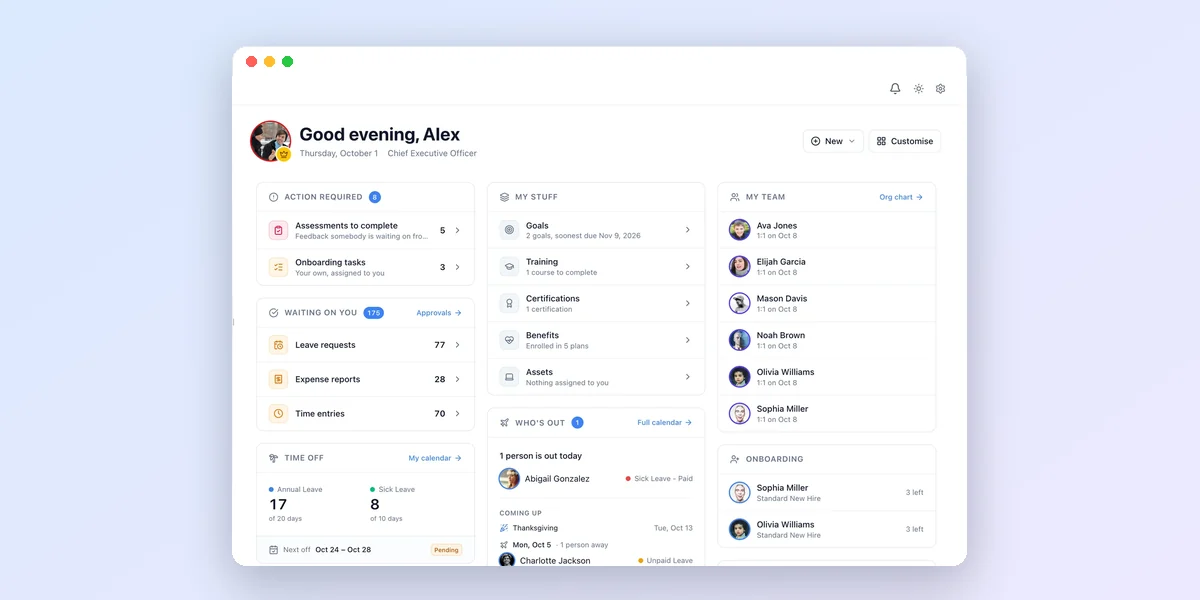
In BookYourPTO, each employee's probation review lives on their profile with its own period, extension date and reminders. Upcoming probation reviews appear on the Dashboard and in the Probation Reviews card on Home for the next two weeks, visible only to the employee, their manager, their department head, and administrators and executives — and a department head with no department assigned does not see the probation data of other unassigned employees. For teams that want a recurring check-in on top, a review cycle can be set to fall a set number of months after each employee's hire date.
Written by
AnHourTec Team